
BarkWatch NYC
NYC Dog Parks, Fenced Runs & Designated Off-Leash Hours
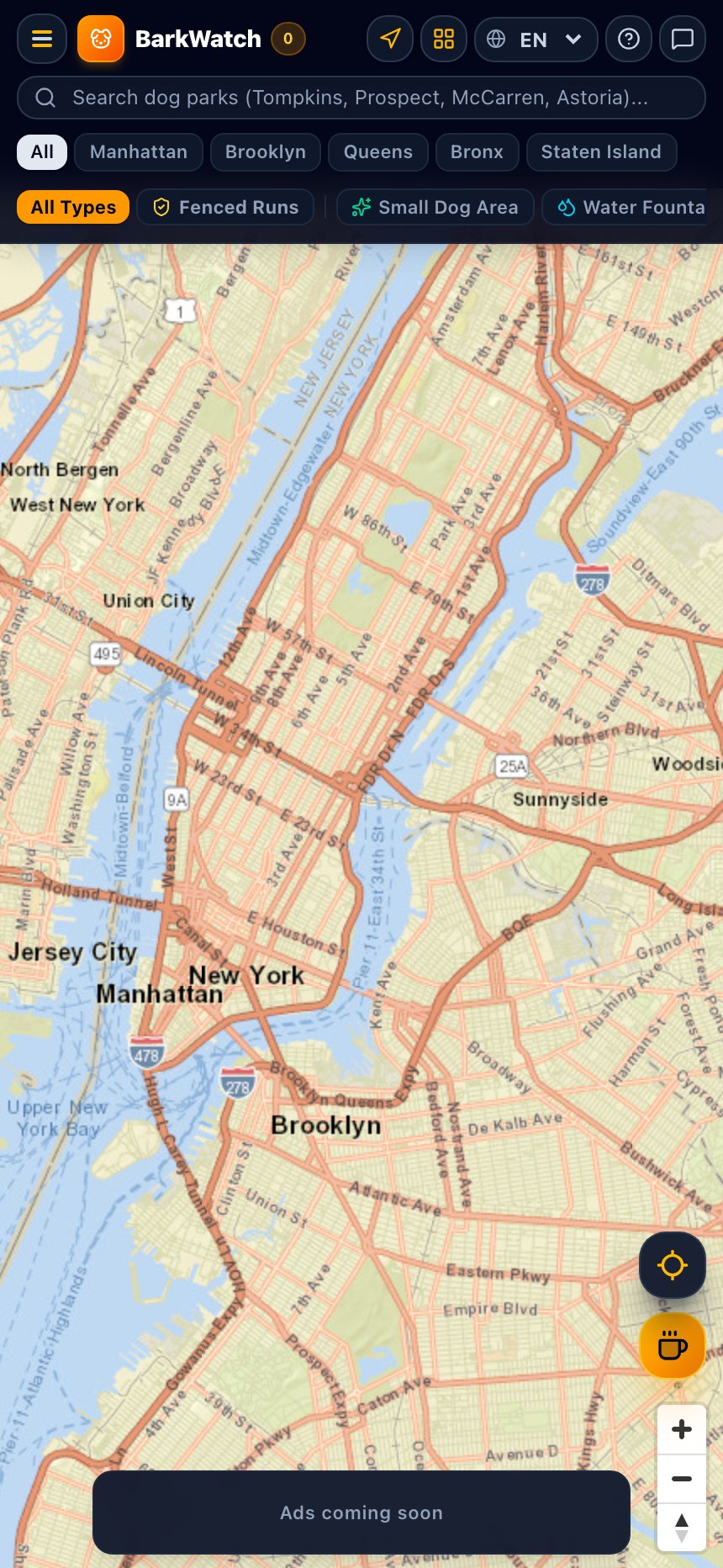
1. Purpose and Civic Intent
Help dog owners find safe, permitted recreation spaces for their pets across NYC Parks properties while ensuring full compliance with city leash laws.
2. Authoritative Public Data Sources
This civic utility is developed and curated independently by DJ Tech NYC under the statutory authority of the New York City Open Data Law (Local Law 11 of 2012). Primary municipal data feeds powering this application include:
NYC Parks Department Dog Run directory and official NYC Health Code § 161.05 regulations.
3. How to Use the Application
Designed for rapid, touch-friendly interaction on smartphones as well as precision desktop workflows, users can access the application through the following operational workflow:
- Browse over 140 official NYC Parks dog runs and designated multi-use park zones.
- Check specific run amenities: double-gated safety vestibules, water fountains, shade trees, separate small-dog areas, and surfacing (gravel, turf, concrete).
- Review official NYC Parks off-leash hours (generally 9:00 PM to 9:00 AM in designated park spaces).
- Verify vaccination and licensing requirements enforced by NYC Parks Enforcement Patrol (PEP).
4. Key Architectural Capabilities
Complete listing of all fully fenced borough dog runs with surface material guides
Official off-leash schedule times and park boundary rules
Water availability status during winter freeze shutdowns
Health Code compliance guidance to avoid pet-related municipal summonses
5. Browser Compatibility & Technical Access
BarkWatch NYC operates as a progressive, zero-install Web Application accessible through modern standard browsers including Chrome, Safari, Edge, and Firefox. Users on iOS and Android can add the tool directly to their device home screen via the browser's "Share → Add to Home Screen" action for native full-screen dock access.