
WifiWatch NYC
Locate Free Public Gigabit Wi-Fi Kiosks & Charging Hubs
1. Purpose and Civic Intent
Provide residents, students, and tourists with instant access to free high-speed public internet, USB device charging ports, and 911 emergency call stations.
2. Authoritative Public Data Sources
This civic utility is developed and curated independently by DJ Tech NYC under the statutory authority of the New York City Open Data Law (Local Law 11 of 2012). Primary municipal data feeds powering this application include:
LinkNYC Kiosk Status API and NYC Department of Information Technology and Telecommunications (DoITT).
3. How to Use the Application
Designed for rapid, touch-friendly interaction on smartphones as well as precision desktop workflows, users can access the application through the following operational workflow:
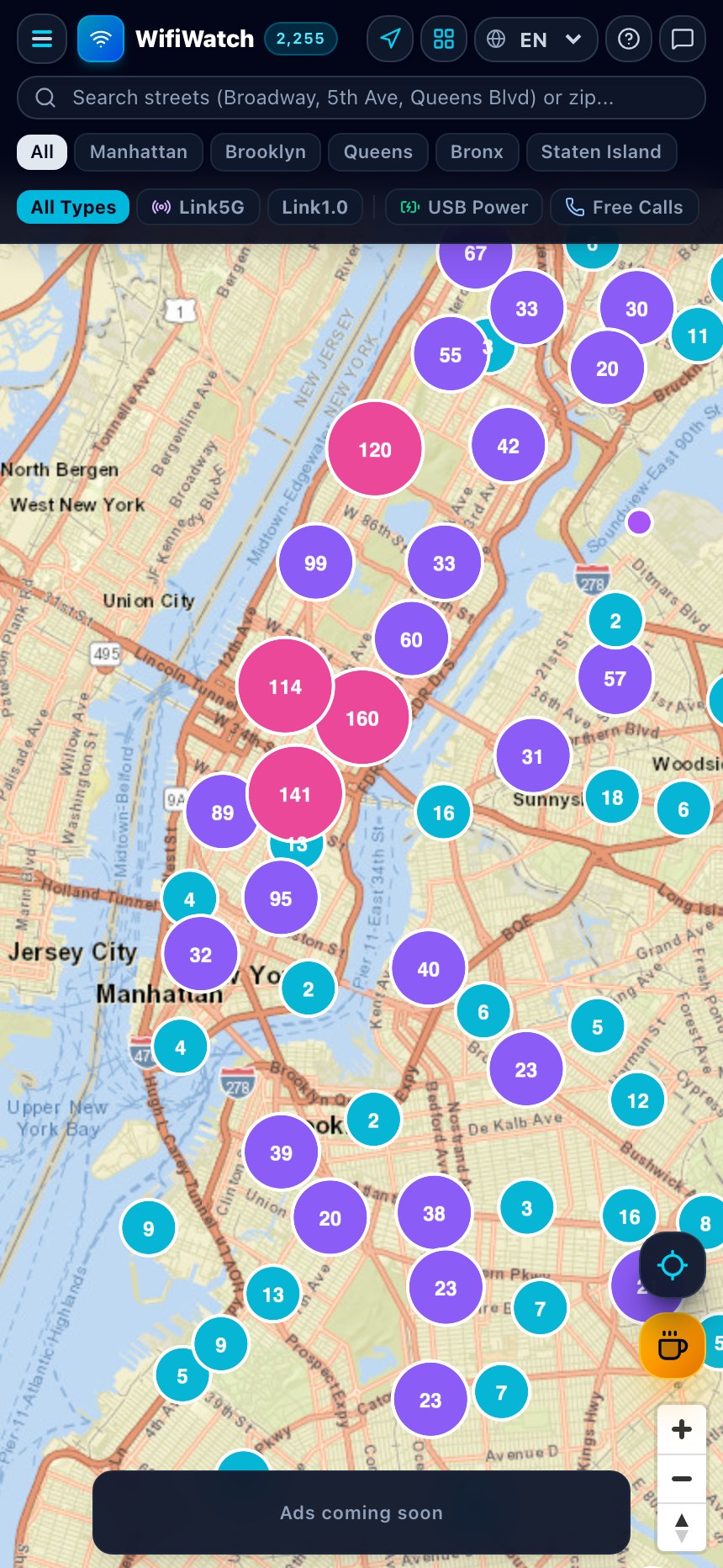
- Find nearby LinkNYC kiosks across avenues and cross streets throughout Manhattan, Brooklyn, Queens, the Bronx, and Staten Island.
- Verify active kiosk capabilities: Free Gigabit Wi-Fi, USB fast-charging ports, and tablet internet browsing.
- Locate emergency 911 calling points available directly on every sidewalk kiosk.
- Learn how to connect seamlessly to the encrypted private LinkNYC Wi-Fi network.
4. Key Architectural Capabilities
Live status monitoring of thousands of operational sidewalk kiosks
Identification of upcoming Link5G tall kiosks with expanded cellular coverage
Step-by-step setup instructions for both iOS and Android secure connection profiles
Emergency calling location guide
5. Browser Compatibility & Technical Access
WifiWatch NYC operates as a progressive, zero-install Web Application accessible through modern standard browsers including Chrome, Safari, Edge, and Firefox. Users on iOS and Android can add the tool directly to their device home screen via the browser's "Share → Add to Home Screen" action for native full-screen dock access.